Filming your quad ride
Mounts, camera settings, dust protection and editing for filming a quad ride on the Agafay tracks, without ruining the ride itself.
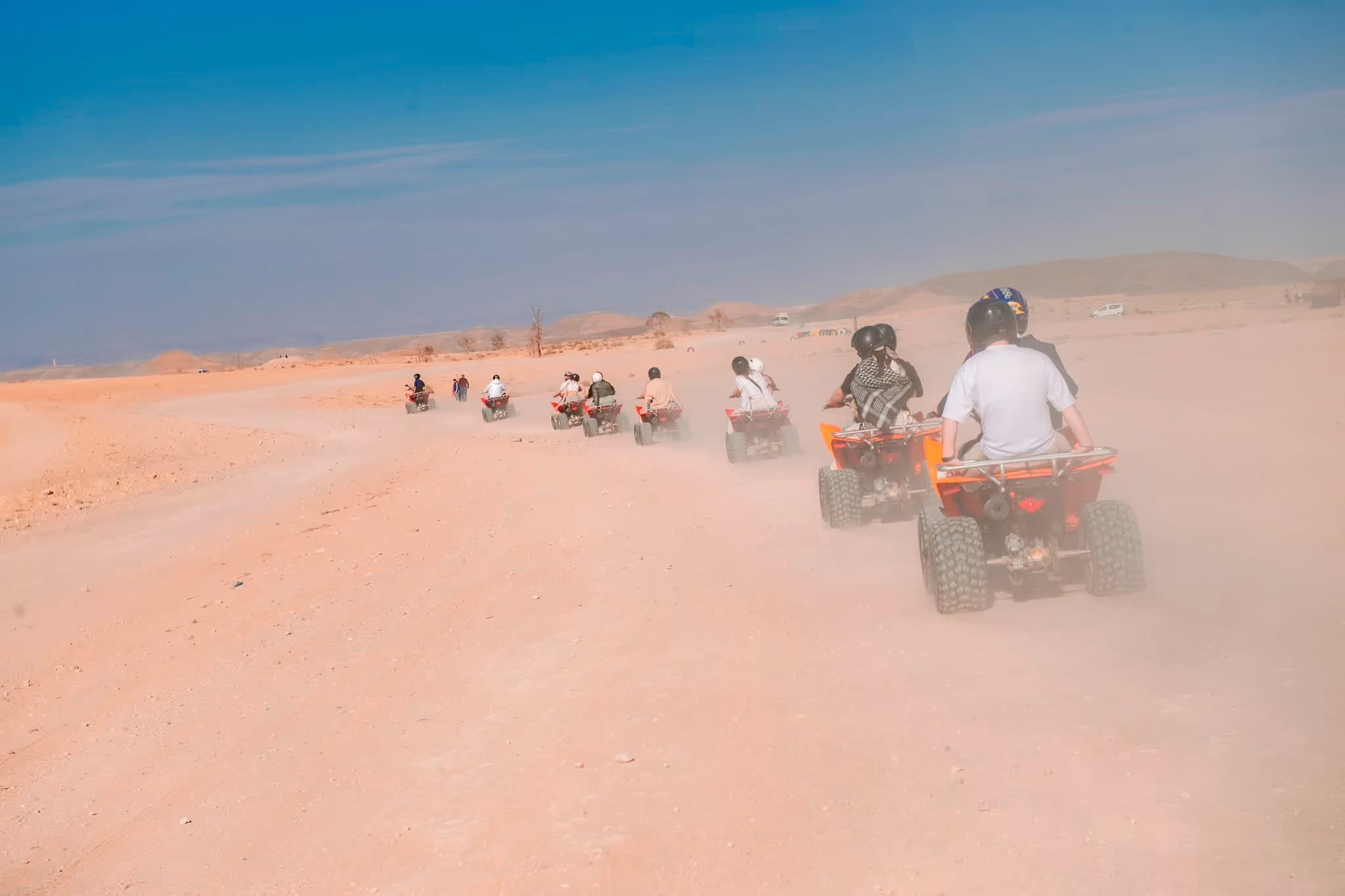
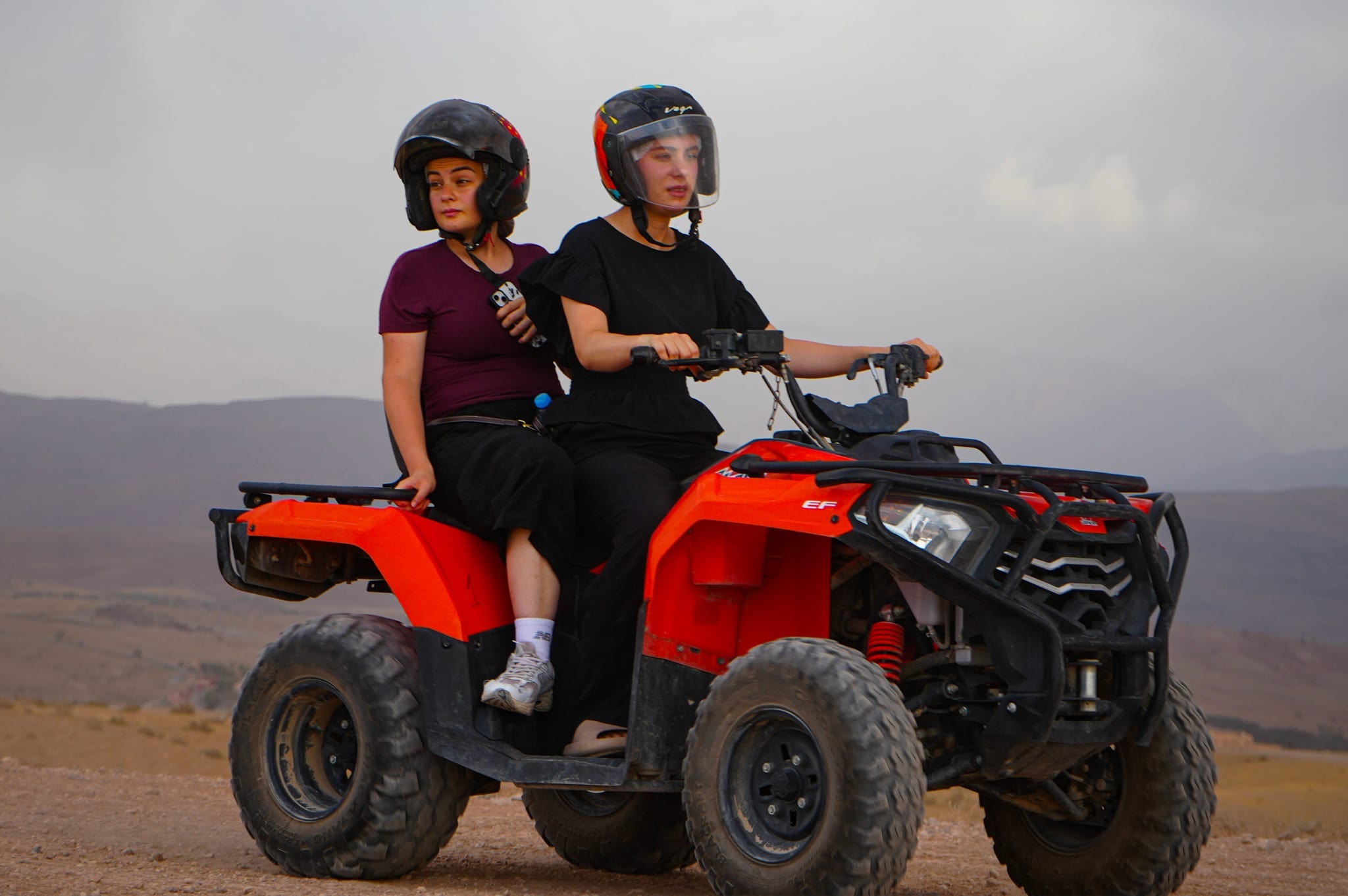
The Agafay desert gives a quad ride a landscape that is hard to find elsewhere: stony hills and dry riverbeds rather than sand dunes, the Atlas range on the horizon, and dust rising behind the machine in front. It looks extraordinary on camera when the footage is right, and oddly flat when it is not.
The problem is rarely the camera. It is settings chosen for a beach holiday, a mount that passes every vibration of the handlebars to the lens, or footage shot in the harshest light of the day, when the sun turns the pale ground into a white block.
This guide covers how to mount the camera, the settings that cope with strong desert light, what to film during the ride, how to protect the camera from dust and heat, and how to edit the result on your phone the same evening. It is general filming advice; where it touches our rides, it says so.
Whether you ride a quad or a buggy, at midday or at sunset, the principles are the same. Good footage starts the day before you start the engine.
Choosing the right mount for a quad
The mount is the most important choice, and it is worth settling before you arrive. A quad’s handlebars vibrate enough to make helmet-camera footage look smooth by comparison, so avoid a handlebar clamp unless you add a vibration dampener under it.
Three mounts give usable footage on a quad: the chest harness, the helmet chin mount and the jaw mount. Each has a distinct look:
-
Chest harness — a natural first-person view, stable, with your hands on the throttle in the frame. It is the easiest option because it does not depend on the helmet.
-
Helmet chin mount — a slightly lower angle, very stable at speed. It needs a helmet with a chin bar.
-
Jaw mount — sits lower still and gives a dramatic low-angle shot. It works best when you ride towards the light late in the afternoon.
A helmet is provided on our rides and fitted at the base before the first start. If you plan to use a helmet mount, tell us when you book and ask which helmet you will be given, and check with your guide before you fix anything to it. A roll of thin silicone grip tape helps to secure a base plate without scratching the helmet.
One mount to reconsider: the selfie stick held in one hand. Beyond the safety risk on uneven ground, the footage is almost always unusable, with too much arm shake and the lens pointing at the sky half the time. Leave it at the riad.
For a second angle, a small magnetic mount on the quad frame near the dashboard can give an interesting low shot. Ask your guide where it is safe to attach it: fuel lines and the exhaust area are off limits.
Camera settings that work in strong desert light
The light in Morocco is strong and direct, and unforgiving in the middle of the day. Depending on your departure time, you may ride through a stretch of harsh overhead light. Default settings do not cope with it well.
Resolution and frame rate: shoot at 2.7K or 4K at 60 frames per second. The higher frame rate allows clean slow motion at half speed. On an older camera, 1080p at 60 frames per second is a reliable fallback.
Stabilisation: turn the electronic stabilisation to its strongest level (HyperSmooth on a GoPro). It corrects most of the vibration without extra hardware. The strongest mode crops the frame slightly, so check that the field of view does not cut off what you want in the foreground.
Colour profile: use a flat or log profile if you plan to edit the footage. If you post straight to social media without editing, the standard vivid profile renders the red-ochre ground reasonably well. Avoid the automatic colour mode, which shifts when you move from shade into direct sun.
White balance: lock it by hand, at about 5600 K at midday and 4000 to 4500 K late in the afternoon. Automatic white balance shifts in the middle of a clip when the quad leaves the shade, which distracts and is hard to correct afterwards.
Exposure: lower the exposure compensation by half a stop to one stop in bright light. The pale ground and the sky both overexpose on default settings, and burnt highlights cannot be recovered.
Record a 90-second test clip at home and review it on a laptop screen: a phone screen forgives exposure problems too easily.
What to film, and when, during the ride
Knowing your settings is half the job; the other half is deciding what to film. Our rides last one or two hours of riding, on the stony tracks of the plateau, with stops on the way. You do not need to film all of it.
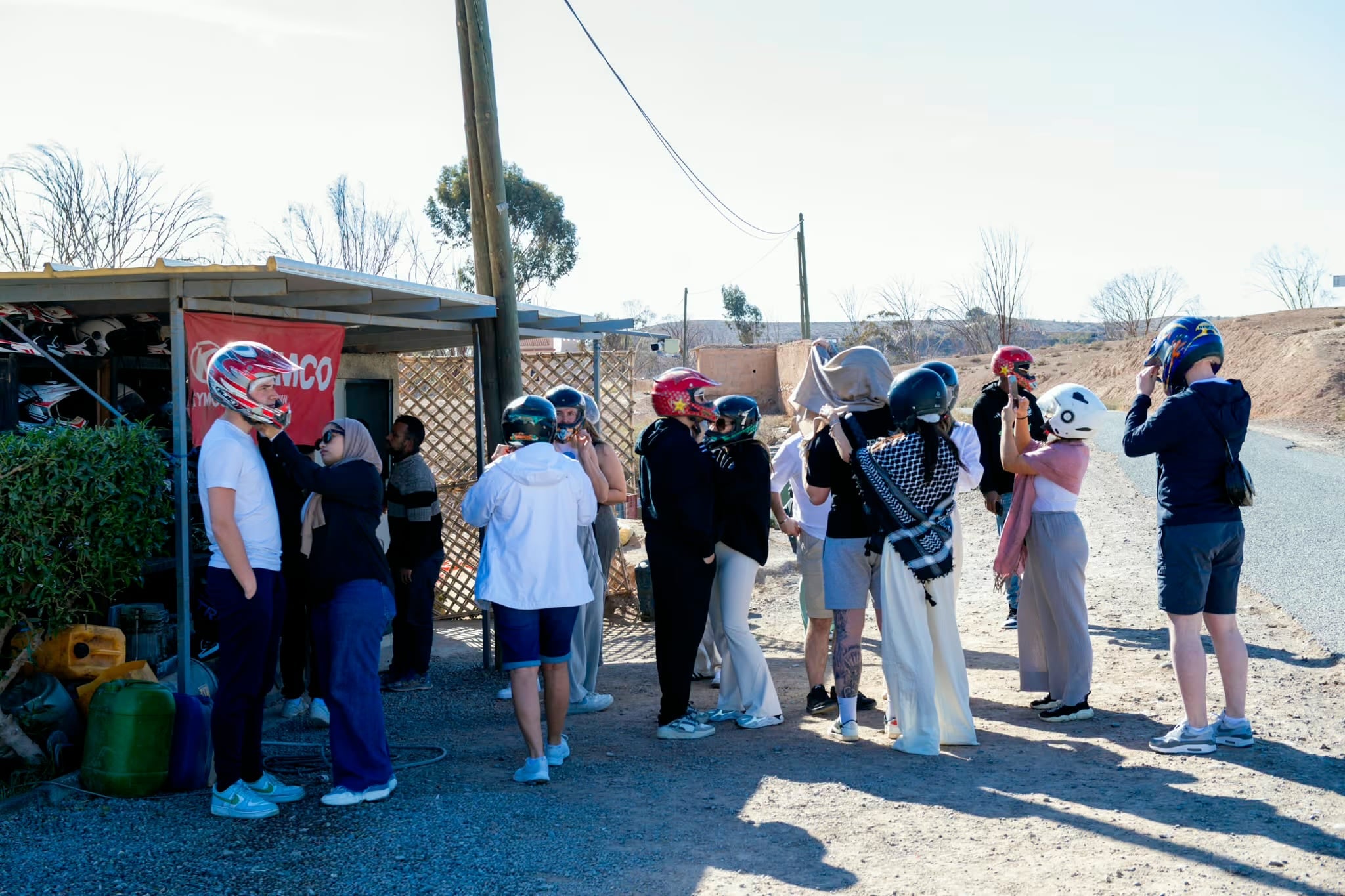
Before the start: you arrive at the base, complete the paperwork and are fitted with a helmet, then the briefing and a practice loop on flat ground follow. A few seconds of that set the scene for the whole video.
At speed on open track: this is your main footage. Let the camera run for 60 to 90 seconds at a time rather than stopping and starting. Long clips are easier to edit and keep the real rhythm of the ride. Keep the horizon level, and lean forward slightly to avoid filming the sky. Start each take at a stop, never on the move.
The stops: on the two-hour ride the first stop comes after about an hour, and the second, facing the Atlas range, is the view most people photograph. Get off the machine and film 30 to 45 seconds of wide landscape without moving. These shots give your edit room to breathe.
Late-afternoon light: if your ride ends near sunset, film then. The light warms, the dust catches it and the Atlas range is clearly drawn. The afternoon departures, at 4 pm (5 pm from 1 April to 20 September), run closest to sunset: choose one of them if the light matters to you.
Battery: a camera drains its battery quickly at 4K and in the heat. Film in bursts of 60 to 90 seconds, pause on flat stretches and save power for the stops. Bring a spare battery.
Protecting your camera from dust and heat
The tracks in Agafay are dusty and the vehicles are open, especially when you ride in a group. Fine red dust is the main cause of spoiled footage and damaged cameras. Five minutes of preparation can save a ruined memory card or a scratched lens.
Lens: take the cap off only when you are filming. Check that the protector is clean before the ride and keep a microfibre cloth in your pocket. A single fingerprint at the start of a ride marks every clip.
Dust bag: keep the camera in a small zipped dust-proof bag whenever it is not mounted or filming; the kind sold for underwater cameras works well. Do not leave it unprotected in a storage compartment.
Heat: in July and August the highs average about 37 °C. Direct sun heats the body of a camera far more than the air, and a camera that overheats stops recording. Keep it in the shade between takes and avoid leaving it mounted in full sun when the quad is stationary.
Loss and damage: bring only what you accept to risk. We are not liable for the loss of or damage to personal belongings carried during the ride, phones and cameras in particular.
Check the lens protector for scratches or cracks before every ride. A scratched protector softens the image in a way that is very hard to correct in editing.
Editing your footage the same evening
You do not need a laptop or professional software to make something shareable. A highlight reel of 90 seconds to two minutes can be assembled on your phone in about an hour with GoPro Quik or CapCut, both free to download.
Start with a cull: before you edit, review all the clips and mark the ones you really want. Be ruthless: keep no more than a fifth of the footage. The clips worth keeping are usually the departure, two or three sequences at speed, one stop and the arrival.
Build the structure: open with five to eight seconds of context, such as the helmet going on or the engine starting. Go straight into the action. Insert one or two landscape shots for breathing room. Close with a wide shot or a moment with a natural endpoint: the engine stopping, the helmet coming off, a reaction shot.
Music and sound: GoPro Quik syncs music to your cuts on its own, which suits action footage. Choose a track that matches the pace of your riding: slower, instrumental tracks for sunset footage, faster ones for the runs at speed. If you have usable natural sound (wind, engine, the guide talking), mix it under the music rather than muting it entirely.
Colour grading: if you shot in a flat or log profile, apply a warm preset in CapCut to bring back the ochre tones the flat profile removes. If you shot in the standard vivid profile, a slight boost in contrast and saturation is usually enough.
Export in 1080p for sharing. Keep the original files on the memory card until you are home with a proper backup.
Photos and video taken on site are not included in the ride: anything you want to keep is yours to film.